Your AI front desk

Support for calls.
Details for follow-up.

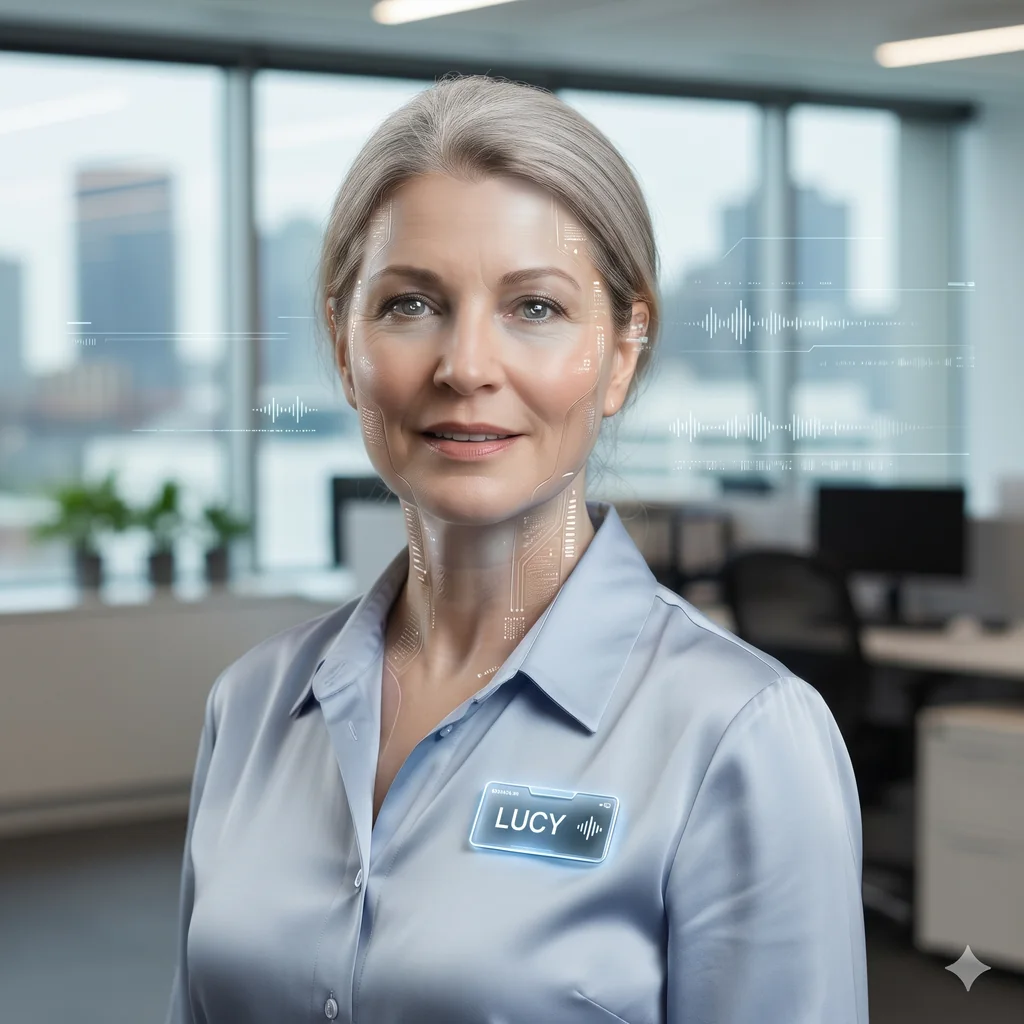
Meet Lucy, your AI business receptionist. She supports incoming calls using approved business information. After-hours handling depends on your configured setup, service availability and usage allowances, with your staff handling uncertain answers and decisions.

Call support configured for Australian businesses
Lucy, Sologentic's AI business receptionist
Meet LucyConfigured call support
After-hours options agreed at setup
01
After-hours support within your configured phone setup, service availability and usage allowancesAgreed coverage
02
Approved business information, with uncertain questions and decisions referred to your staffHuman oversight
03
Notifications and CRM actions through suitable connections with appropriate permissionsConfigured connections

What Lucy makes possible

Support for calls.
More time for your work.

Lucy helps small teams respond to incoming enquiries and capture useful details within an agreed scope, with your people in control of decisions and follow-up.

01 · Extend your coverage

Support beyond your opening hours.

After-hours call handling can include weekends and public holidays within your configured phone setup, service availability and plan allowances. Answering every call is not guaranteed; agree routing and a fallback process during setup.

02 · Know your business

Not generic. Configured for you.

Lucy uses approved services, prices, FAQs and processes. Your team and AI Concierge Services can refine this information, with uncertain answers and consequential decisions referred to staff.

03 · Review call activity

Useful records for your follow-up.

Review summaries and transcripts where supported by the call record. Email notifications depend on your agreed setup; SMS summaries require suitable messaging connections and permissions. Your team reviews the details and any follow-up needed.

Eight ways Lucy helps

A front desk,
configured for you.

Agree the capabilities, connections, permissions and staff hand-offs your business needs during setup. Channels and connected actions are not all included or enabled by default.

01

Coverage beyond opening hours

After-Hours Call Support

Can handle incoming calls outside business hours within your configured phone setup, service availability and plan allowances. Answering every call is not guaranteed.

Call handling within your agreed setup
02

Configured for your business

Approved Business Information

Uses approved services, prices, FAQs and local information. Your team should review uncertain answers and consequential decisions rather than relying on Lucy to guess.

Staff handle uncertain answers and decisions
03

Review the conversation

Call Summaries and Transcripts

Makes summaries and transcripts available where supported by the call record. Email notifications depend on the connections and delivery arrangements agreed for your business.

Email delivery depends on notification setup
04

Keep moving

SMS Call Summaries

SMS summary notifications can be scoped where suitable messaging connections and permissions are configured. Delivery and timing are not guaranteed or included by assumption.

Messaging connections and permissions required
05

Helpful next steps

SMS Links to Resources

Sending callers approved booking pages, menus or directions by SMS depends on suitable messaging tools, permissions and the workflow agreed during setup.

Approved links through an agreed workflow
06

Bring in the right person

Call Transfers

Transfers depend on the phone provider, configured tools and receiving staff availability. Agree supported transfer options and what happens when staff cannot answer during setup.

Agree a hand-off and fallback process
07

Plan your call routing

Phone-Number Setup

Phone numbers and routing are agreed during setup. Dedicated-number availability, forwarding from an existing line and any additional provider costs need to be checked.

Availability and existing-line arrangements checked
08

Support your follow-up

Customer Details Management — CRM

Captures agreed enquiry details for follow-up. Updates to your CRM require a suitable, configured connection and appropriate permissions; complete records are not guaranteed.

CRM updates require a suitable connection

A calmer way to take calls

More coverage.
Less interruption.

Lucy supports the first conversation and captures agreed details for follow-up. Your team stays responsible for reviewing uncertain answers and making decisions outside her agreed scope.

Human hand-offs depend on configured transfer tools and staff availability, with an agreed fallback when staff cannot answer.
Phone, SMS, email and CRM workflows depend on suitable configured connections and permissions, not an all-channel default.

Individual Agent

Lucy for $49 AUD/month

100 voice minutes per month.

Required setup, billed separately. Every agent requires AI Concierge Services, separately billed at $220 AUD/hour. Typical setup is one hour per agent, approximately $220 AUD each. These are typical estimates, not fixed maximums or mandatory minimum hours. Actual professional services depend on your business requirements.

AI Team · Best Value

AI Team is $99 AUD/month and includes all five agents: Lucy (Voice Receptionist), Meg (Chief of Staff), Reva (Business Review Assistant), Sam (Sales and Marketing Assistant), Mason (Website Tools).

Lucy includes 200 call minutes per month, not calls. Extra team voice usage is $0.25 AUD/minute.

Meg, Reva, Sam and Mason share one pool of 200 workflow interactions per month, not 200 each. Extra team workflow interactions are $49 AUD for 500.

Every agent requires separately billed AI Concierge Services setup. Typical setup for all 5 agents is approximately $560 AUD, separate from the $99 AUD monthly fee. These are typical estimates, not fixed maximums or mandatory minimum hours. Actual professional services depend on your business requirements.

Questions, answered plainly

Before you hand over the phone.

Plan your call
support with Lucy.

Talk through your call routing, approved information, connections and staff hand-offs before getting started.

Back to Sologentic